On cloud nine
Preliminary Stage With Acrobat 7, Adobe continues along the path it has already set out on. There are also important changes from version 6 that affect print layouts.


Prepress With Acrobat 7, Adobe is continuing on the path it has already taken. The Portable Document Format (PDF) is an all-rounder and has become the most important format for the graphic arts industry for the electronic data exchange of artwork. Instead of sending "open" QuarkXPress or InDesign documents together with the necessary fonts, logos or images, it is now sufficient to use a "closed" PDF document, and the versatile format is also suitable as an electronic document. For more than ten years now, PDF developer and guardian of the PDF portal Adobe has been pursuing the vision of replacing the paper document with its electronic equivalent. In other words, instead of printing out documents, filling them in and passing them on or faxing them, this process can be carried out completely digitally thanks to Acrobat technology and the PDF format.
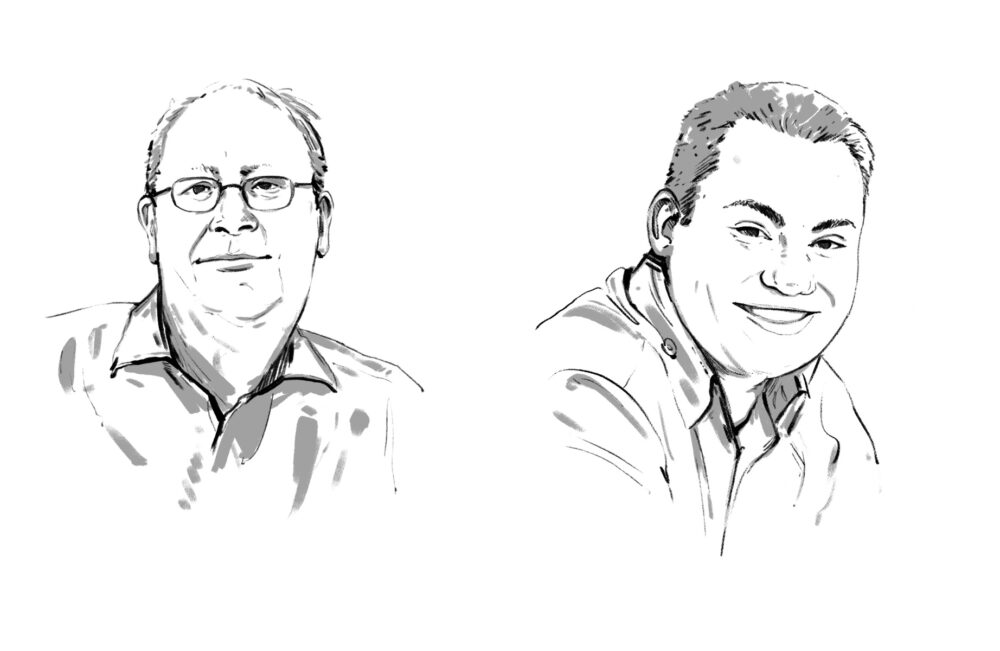
Printing industry neglectedAfter the first PDF and Acrobat versions propagated the paperless office (which nobody wanted at the time) and Adobe criminally neglected the printing industry, the latter also gave the electronic multi-talent PDF the cold shoulder for a long time. What was one supposed to do with a document that was complete and represented a print template, but with which not even bleed marks could be placed and which could not be output (imaged)? Adobe's PDF was unusable for professional output in its first versions. It is thanks to plug-in developers (manufacturers of additional software) such as callas that this situation has changed. Olaf Drümmer, callas Managing Director from Berlin, and the former PostScript promoter and current PDF expert Stephan Jaeggi from Binningen were able to convince graphic arts companies in Germany, Switzerland and even worldwide of the advantages of the format for the printing industry at seminars. Since then, PDF has become the most important data format for prepress.
"Unleash the power of intelligent Adobe PDF documents" - Adobe has adopted this slogan for Acrobat 7. The latest version is not primarily about print templates, but about documents that can be equipped with "intelligent" functions. Acrobat has thus become part of a larger overall technology; Adobe calls it an "Intelligent Document Platform". With the help of Acrobat 7, the PDF document becomes part of a "document life cycle".
Processes can be defined in PDF documents that trigger activities in the recipient's Reader or Acrobat software, which is available free of charge and has also been updated. New functions allow additional rights to be assigned to PDF documents or security features to be stored, for example whether the recipient of the document is allowed to print, edit and/or save it, etc. The document creator uses a so-called policy server for this purpose. The creator of the document uses a so-called policy server for this purpose. The rules for the documents sent can be stored on this server.
More securityPolicies (security rules) in conjunction with the Policy Server take security to a new level. Thanks to the detailed assignment of access rights, the use of a PDF document can be precisely controlled. The dynamic assignment of authorizations for monitoring internal and external online or offline use is no longer only defined in the document, but also by a server. In addition to functions such as printing and copying, the filling out of forms, digital signing, commenting and inserting/removing elements are also controlled.
Further Acrobat 7 detailsPDFs can now be created not only from Office, but also from the Outlook e-mail application - at least on the Windows platform. All links and e-mail addresses in "PDF e-mails" remain active links to the corresponding browser or e-mail address. Attached documents (attachments) are also integrated. Furthermore, groups of emails can be combined into PDF documents in Outlook Express, which will make it much easier to track email correspondence.
The "Web Capture" module, which is suitable for converting web pages into PDF documents, has been improved in that page sizes can now be defined. A PDF can now be created directly from text passages selected in PDF documents - handy if you only need part of a document. The new "Organizer" function shows the user which data has been edited and when. So-called "Collections" can also be created there, filled with different documents using drag & drop and then summarized.
The Adobe LiveCycle Designer software available for the Windows platform and supplied with Acrobat 7 Professional is the tool for creating PDF forms. Similar to a layout program, input fields with or without plausibility checks etc. can be assembled into a form. XML markups are generated automatically in the background. A form wizard simplifies the creation of templates and thus also enables data to be returned. To simplify the creation of such forms, it is possible to switch between creation, XML and PDF previews, similar to a web layout program.
With the Professional version, color space transformations within a PDF document are now also possible, i.e. RGB data can be separated into CMYK using a color management profile. Technologies from the Adobe Creativ Suite software package have also found their way into Acrobat. The Ink Manager can be used to swap or combine colors (for output). The dimensions of a PDF document can now be enlarged.
New features include the embedding of the new OpenType font format and a revised data checking module (preflight tool). Acrobat 7 also takes account of the networked production of printed matter by supporting the JDF standard known as Job Definition Format. Now such XML-encoded JDF data can be accessed and modified. Acrobat would therefore also be a kind of "JDF client".
Acrobat 7The standard version of Adobe Acrobat contains the necessary tools for the creation and exchange of secure PDF documents. Files from different applications and sources can be merged into a single document. The PDF document thus becomes a data container.
The professional version allows the creation of PDFs from programs such as AutoCAD or Visio. Users can be involved in document review processes; the LiveCycle Designer can also be used to create professional PDF forms. (jf)
In addition to Acrobat Elements (for companies with 100 or more users), Adobe also offers a Standard (left) and a Professional version in version 7.
Jürgen Franck
Printing industry neglectedAfter the first PDF and Acrobat versions propagated the paperless office (which nobody wanted at the time) and Adobe criminally neglected the printing industry, the latter also gave the electronic multi-talent PDF the cold shoulder for a long time. What was one supposed to do with a document that was complete and represented a print template, but with which not even bleed marks could be placed and which could not be output (imaged)? Adobe's PDF was unusable for professional output in its first versions. It is thanks to plug-in developers (manufacturers of additional software) such as callas that this situation has changed. Olaf Drümmer, callas Managing Director from Berlin, and the former PostScript promoter and current PDF expert Stephan Jaeggi from Binningen were able to convince graphic arts companies in Germany, Switzerland and even worldwide of the advantages of the format for the printing industry at seminars. Since then, PDF has become the most important data format for prepress.
"Unleash the power of intelligent Adobe PDF documents" - Adobe has adopted this slogan for Acrobat 7. The latest version is not primarily about print templates, but about documents that can be equipped with "intelligent" functions. Acrobat has thus become part of a larger overall technology; Adobe calls it an "Intelligent Document Platform". With the help of Acrobat 7, the PDF document becomes part of a "document life cycle".
Processes can be defined in PDF documents that trigger activities in the recipient's Reader or Acrobat software, which is available free of charge and has also been updated. New functions allow additional rights to be assigned to PDF documents or security features to be stored, for example whether the recipient of the document is allowed to print, edit and/or save it, etc. The document creator uses a so-called policy server for this purpose. The creator of the document uses a so-called policy server for this purpose. The rules for the documents sent can be stored on this server.
More securityPolicies (security rules) in conjunction with the Policy Server take security to a new level. Thanks to the detailed assignment of access rights, the use of a PDF document can be precisely controlled. The dynamic assignment of authorizations for monitoring internal and external online or offline use is no longer only defined in the document, but also by a server. In addition to functions such as printing and copying, the filling out of forms, digital signing, commenting and inserting/removing elements are also controlled.
Further Acrobat 7 detailsPDFs can now be created not only from Office, but also from the Outlook e-mail application - at least on the Windows platform. All links and e-mail addresses in "PDF e-mails" remain active links to the corresponding browser or e-mail address. Attached documents (attachments) are also integrated. Furthermore, groups of emails can be combined into PDF documents in Outlook Express, which will make it much easier to track email correspondence.
The "Web Capture" module, which is suitable for converting web pages into PDF documents, has been improved in that page sizes can now be defined. A PDF can now be created directly from text passages selected in PDF documents - handy if you only need part of a document. The new "Organizer" function shows the user which data has been edited and when. So-called "Collections" can also be created there, filled with different documents using drag & drop and then summarized.
The Adobe LiveCycle Designer software available for the Windows platform and supplied with Acrobat 7 Professional is the tool for creating PDF forms. Similar to a layout program, input fields with or without plausibility checks etc. can be assembled into a form. XML markups are generated automatically in the background. A form wizard simplifies the creation of templates and thus also enables data to be returned. To simplify the creation of such forms, it is possible to switch between creation, XML and PDF previews, similar to a web layout program.
With the Professional version, color space transformations within a PDF document are now also possible, i.e. RGB data can be separated into CMYK using a color management profile. Technologies from the Adobe Creativ Suite software package have also found their way into Acrobat. The Ink Manager can be used to swap or combine colors (for output). The dimensions of a PDF document can now be enlarged.
New features include the embedding of the new OpenType font format and a revised data checking module (preflight tool). Acrobat 7 also takes account of the networked production of printed matter by supporting the JDF standard known as Job Definition Format. Now such XML-encoded JDF data can be accessed and modified. Acrobat would therefore also be a kind of "JDF client".
Acrobat 7The standard version of Adobe Acrobat contains the necessary tools for the creation and exchange of secure PDF documents. Files from different applications and sources can be merged into a single document. The PDF document thus becomes a data container.
The professional version allows the creation of PDFs from programs such as AutoCAD or Visio. Users can be involved in document review processes; the LiveCycle Designer can also be used to create professional PDF forms. (jf)
In addition to Acrobat Elements (for companies with 100 or more users), Adobe also offers a Standard (left) and a Professional version in version 7.
Jürgen Franck